Your Stash content, now playing.
Mirage is a native tvOS and iPad
experience for your Stash media —
thoughtfully designed and elegantly focused on what matters: watching.
Version 2.0 now on the App Store!
Features
Everything you care about. Nothing you don't.
Access your Stash media with simplicity and focus.
Nothing steals the scene.
It’s all about watching.
Mirage is designed for a top-notch viewing experience. Focus on enjoying your Stash content.
Feels right at home.
Because it is.
Built from the ground up for tvOS. Every interaction, every transition, every detail works how you’d expect it.
No trackers. No ads.
100% privacy.
What you watch is your business. Mirage doesn’t collect any data about you. View our privacy policy.
Zero friction.
Connect with ease.
No need to type a long API key: Mirage will use your username and password to fetch it for you.
Stash-first.
But not Stash-only.
Browse via DLNA or SMB if they’re enabled on your Stash server — or any local server. (MP4 videos only.)
Big screen energy.
Any screen size.
Optimized for your television, but Mirage works on an iPad, too — online or offline.
Player
Plays well and well played.
At the heart of Mirage, the streamlined video player
can drill down into scene details, or just stay out of your way.
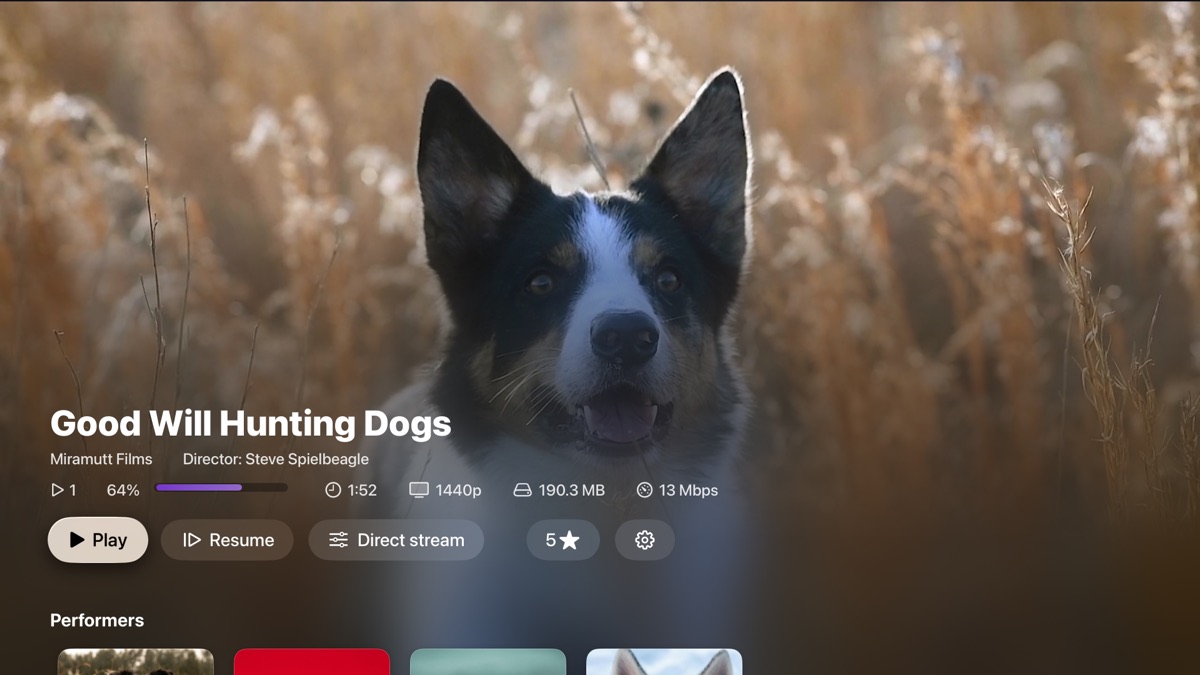
Pick up where you left off.
Track your progress and resume playback later.
The play count updates using the same threshold as the Stash web interface.
Get all the details.
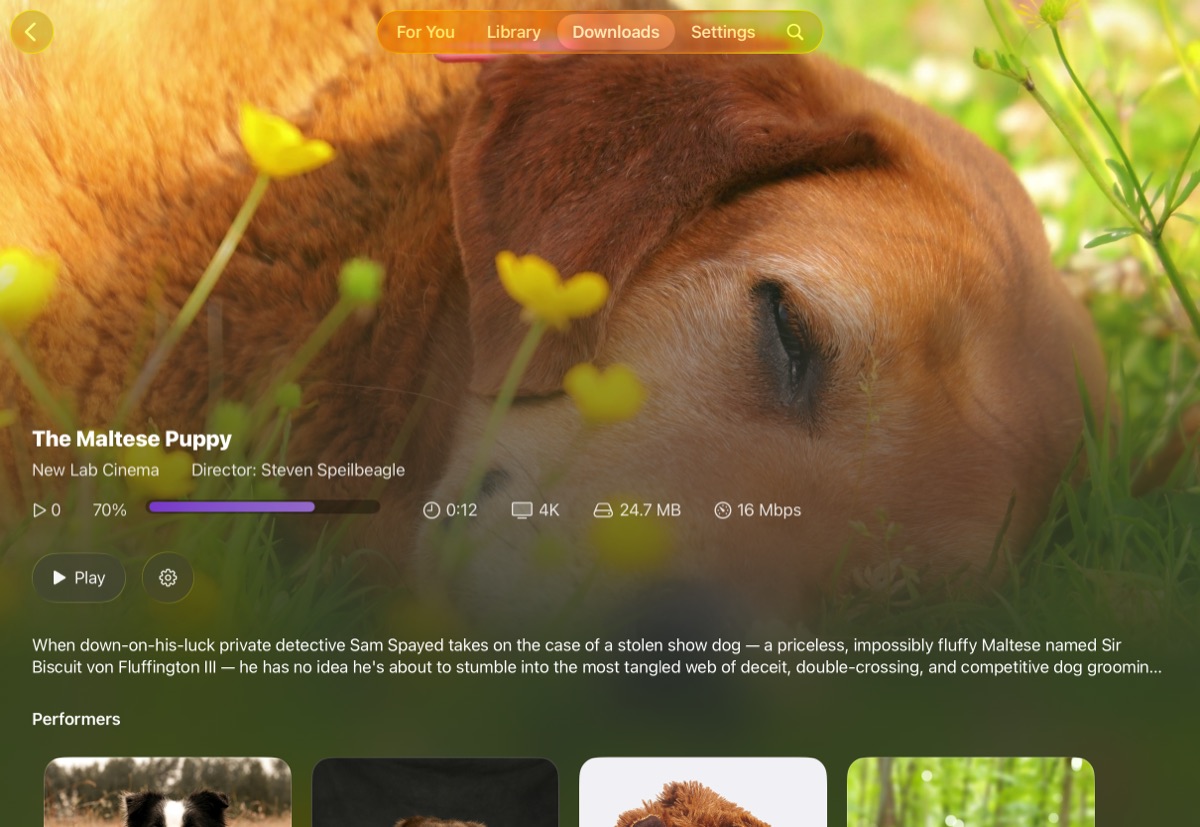
Scene description, performers, and tags are visible at a glance.
Tap into performers and tags to explore related content.
Rate in the moment.
Set the star rating from the scene details, or even while you’re
watching it.
Interface
Your content, ready to explore.
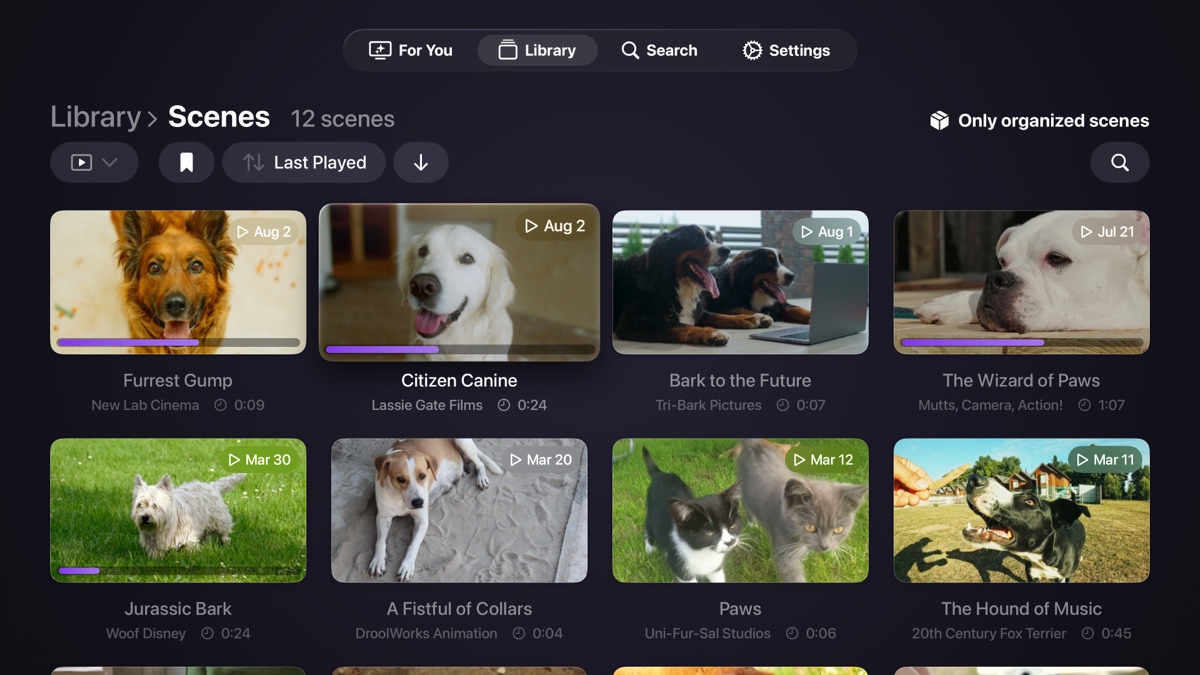
Mirage currently supports scenes, performers, studios, and tags.
Browse, sort, search, and use your own custom filters from Stash.
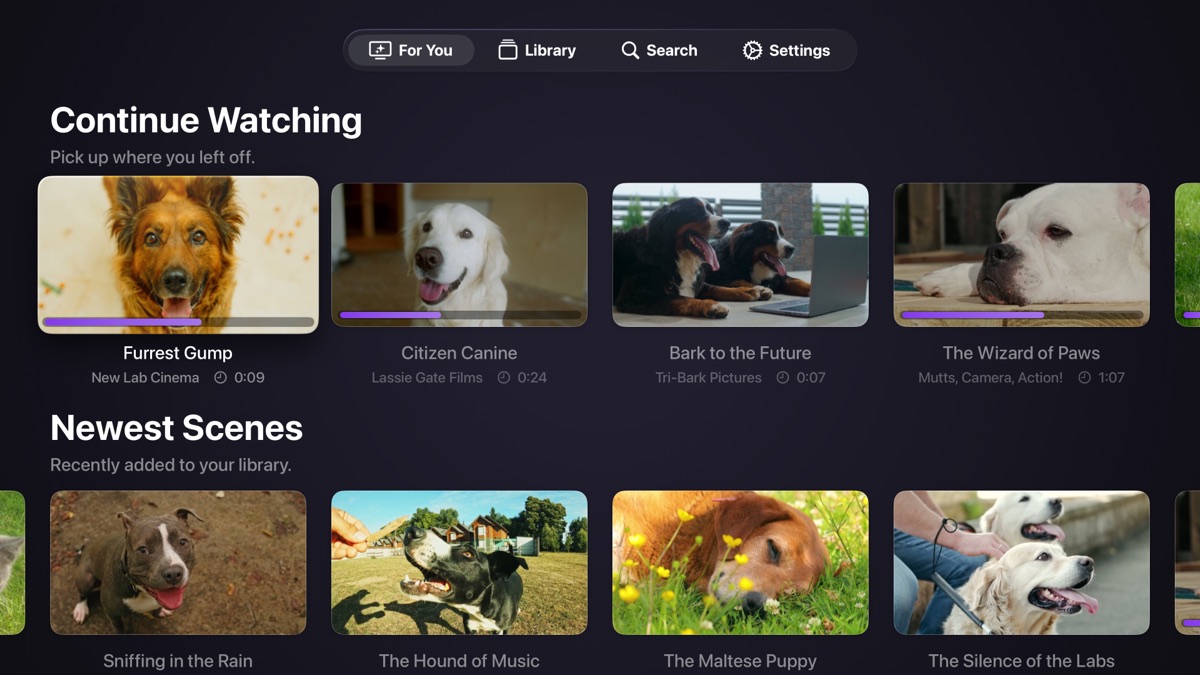
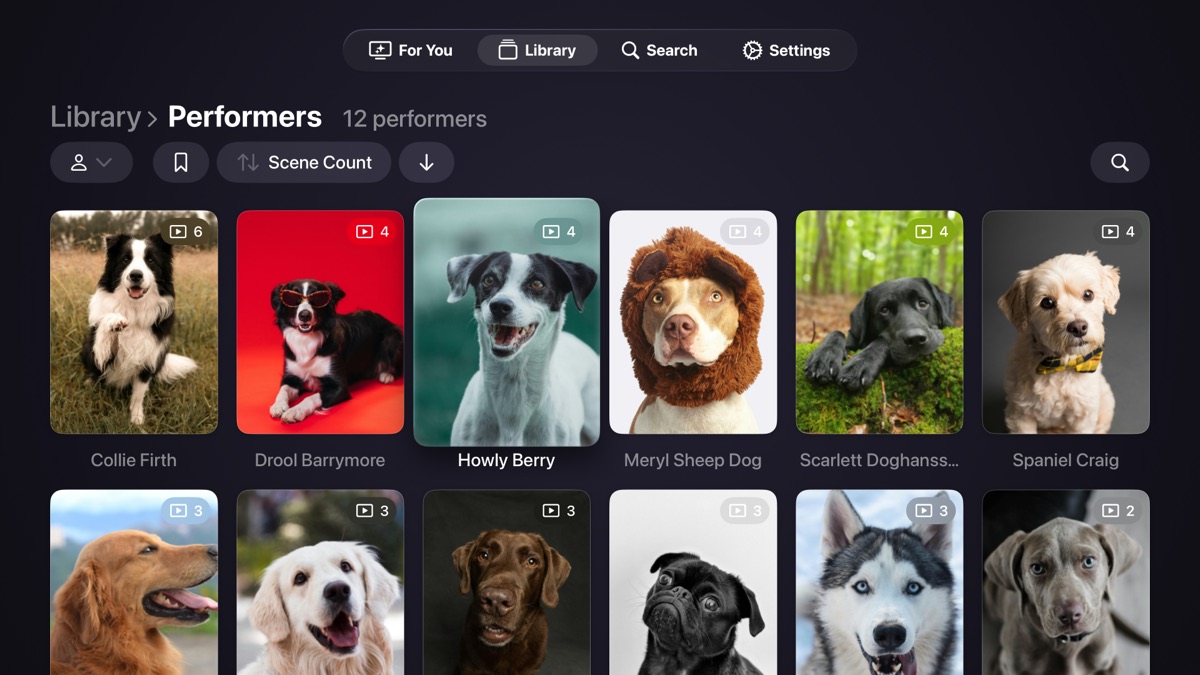
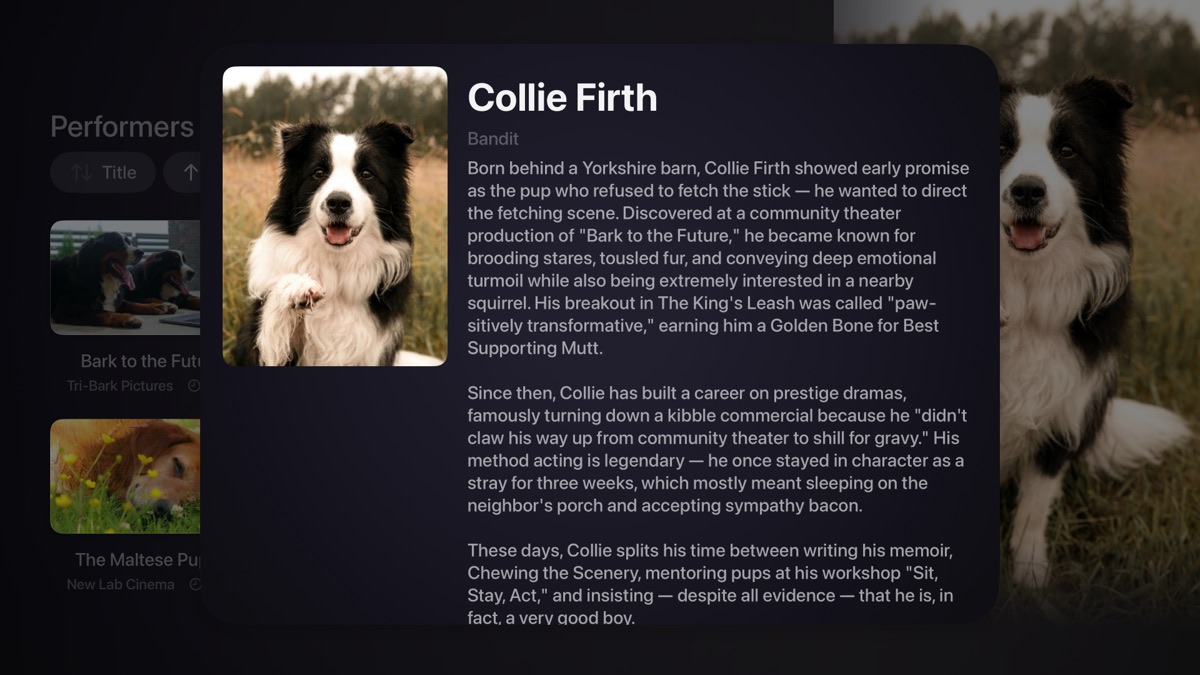
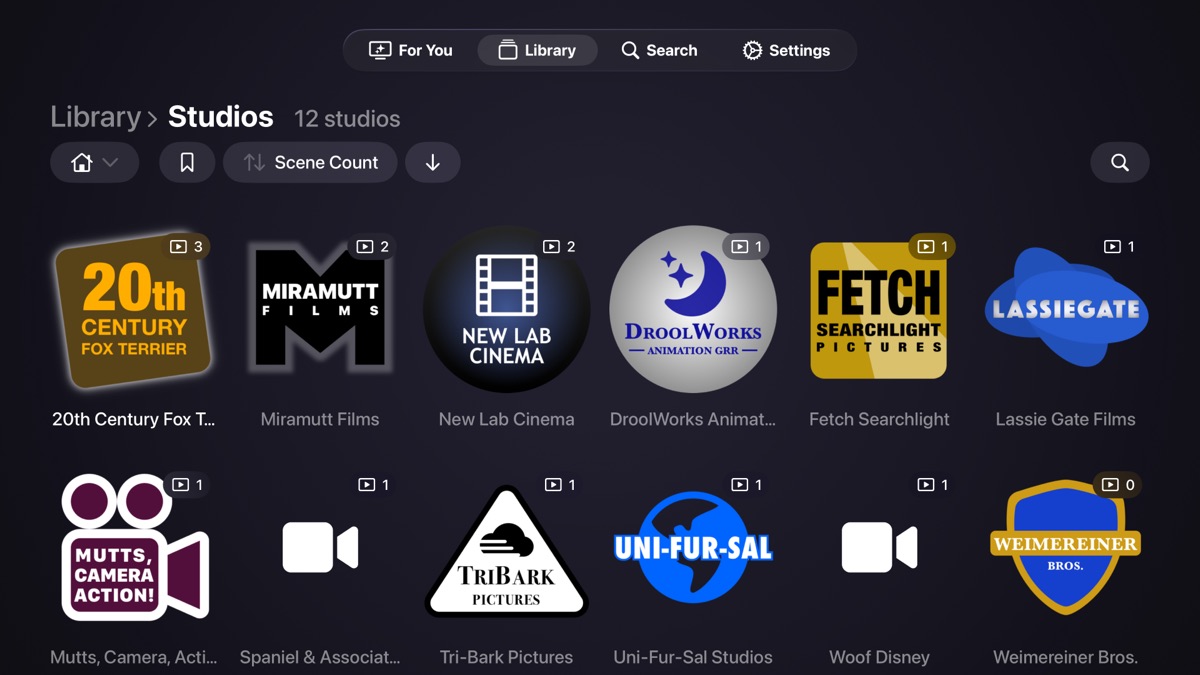
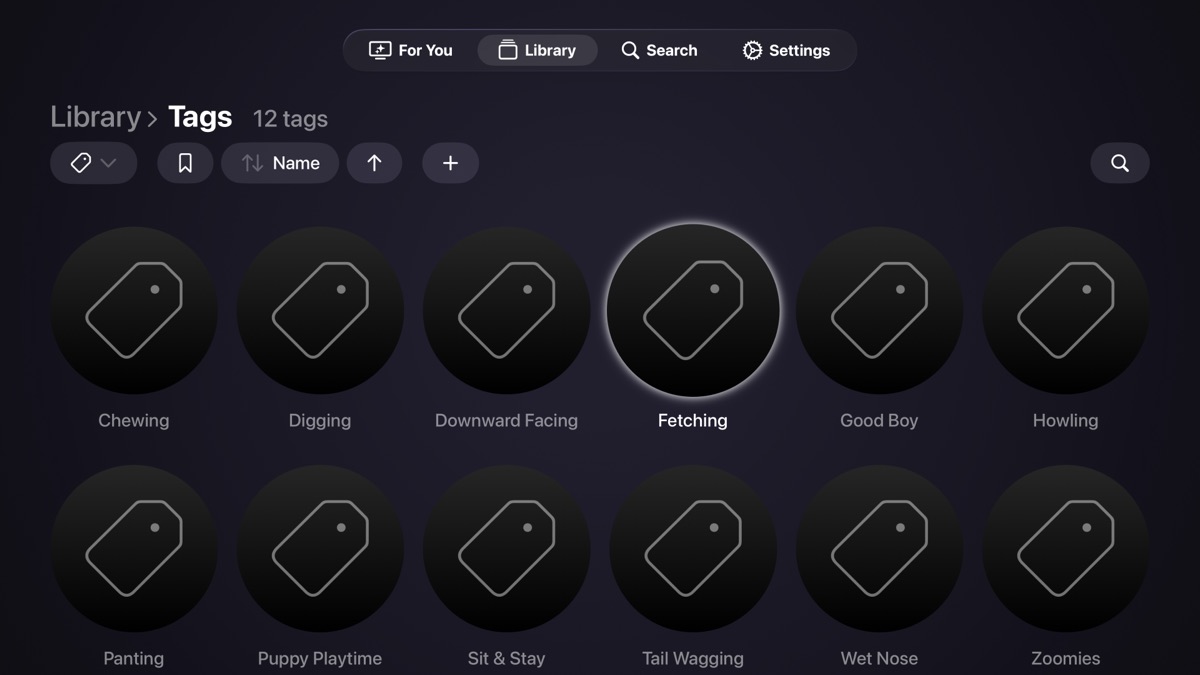
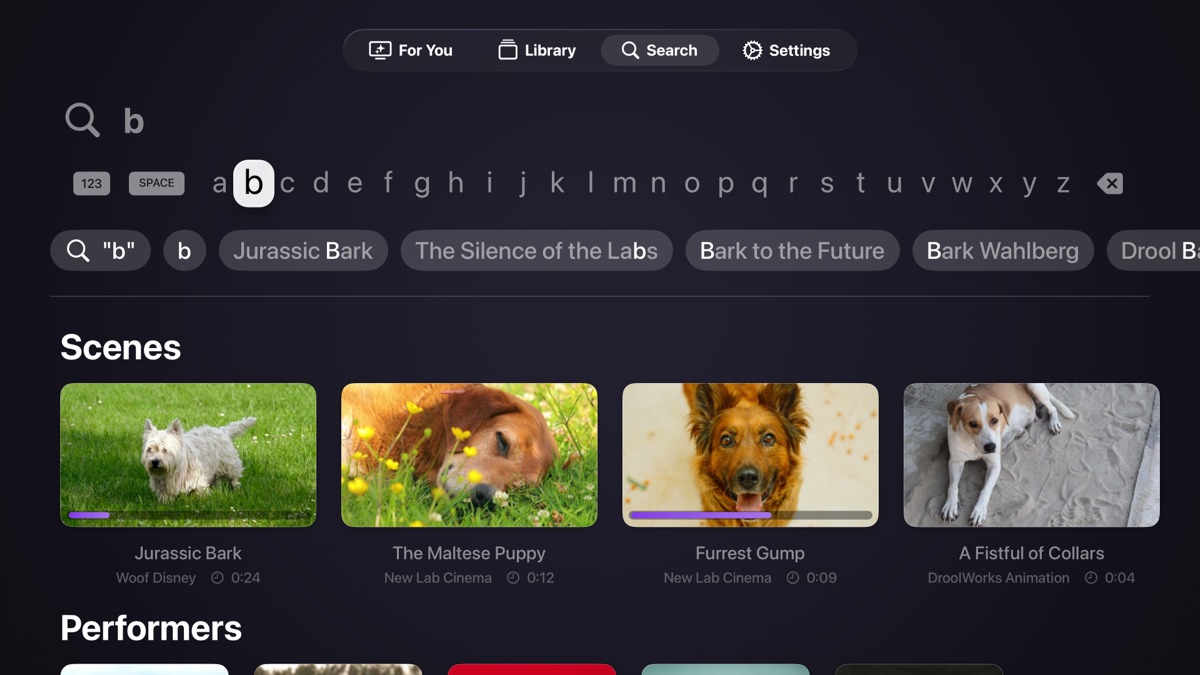
Switch between scenes, groups, performers, studios, tags, images, and galleries.
All your Stash filters are available. In scenes, a built-in “organized” filter is also available.
Sort by titles, dates, ratings, scene counts, and other content-specific fields.
Offline Downloads
Take your content anywhere.
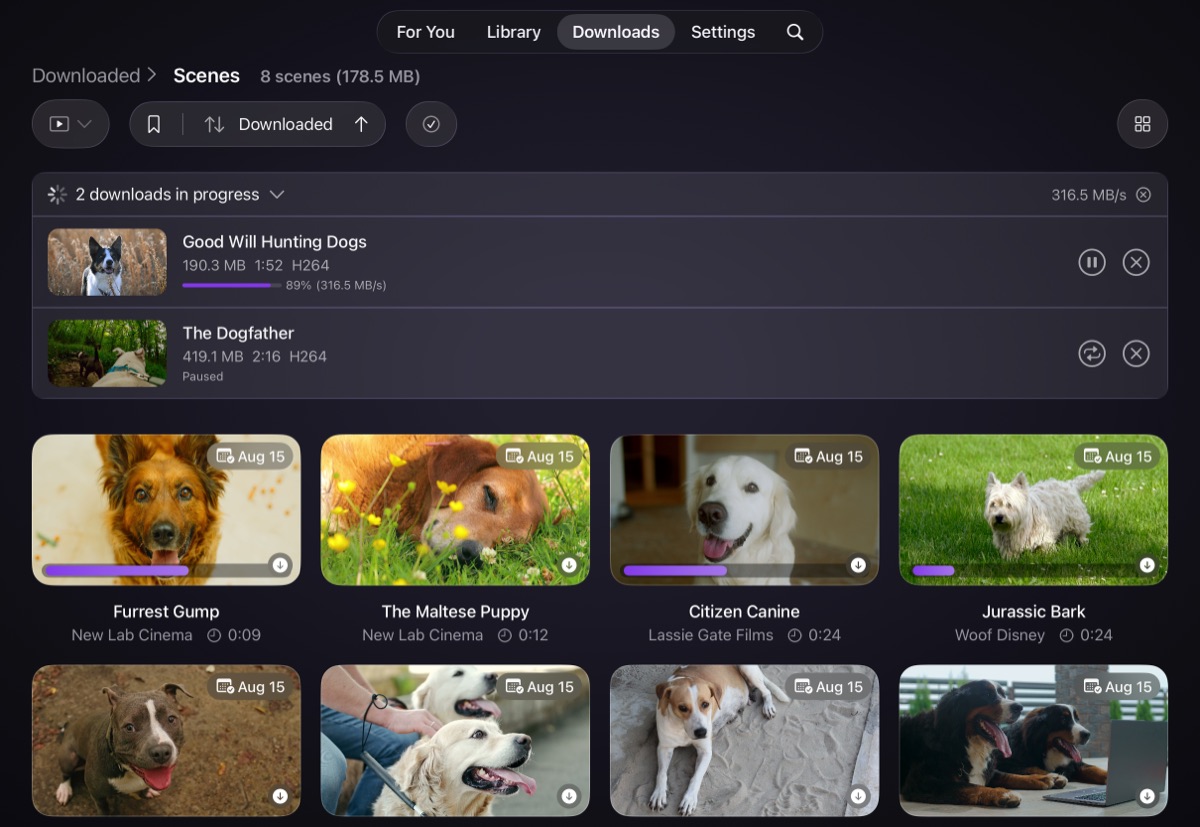
Download scenes for offline viewing — no Stash connection needed.
The offline experience includes previews and performer, studio, and tag details.
When you’re back online, watch progress even syncs back to Stash.
Try downloads for free; enable unlimited with an in-app purchase.
Sorry, TV: offline downloads are only available on iPad.
Support
Got questions? We’ve got answers! (probably)
Browse some common questions and helpful topics below.
How private is my use of Mirage?
Completely private. Mirage doesn’t include advertising, analytics, or other tracking. Read more in our full privacy policy.
How do I add the API key for a protected Stash server?
If your Stash server requires a login, you first need to generate an API key on the server (it’s in Settings → Security). Then in Mirage, add a Stash server connection and enter your username and password. Your credentials will be used to automatically fetch the API key for you. (After that, your username and password are no longer needed by Mirage and won’t be used.)
Can I hide unorganized scenes?
By default, the Scenes screen will show all scenes, organized or not. You can change this in the Filter menu by choosing the built-in All Organized Scenes filter. For performers, studios, and tags all their related scenes are always shown.
Can I use my Stash saved filters?
Yes! The Filter menu always includes your saved filters. You can also add your Stash home page filters to the “For You” screen in Settings.
Can I password-protect Mirage?
On tvOS, you can set a numeric PIN in Settings. On an iPad you can use the built-in system “app lock” to restrict access to any app, Mirage included. Learn more about locking an app.
Do I have to buy Mirage separately for Apple TV and iPad?
One purchase gets you both platforms. However, note that the upgrade for offline downloads is a separate in-app purchase that only works on iPad.
What about other Stash server features?
Mirage focuses on playing your content, so not all Stash capabilities and features are supported. However, if there’s something missing that you think would make a great addition, get in touch.
Still wondering about something?
Visit our
support forums to get in touch.
Get Mirage
Don’t settle for a browser tab.
Subtle animations. Elegant effects. Transitions that feel right.
Mirage makes the experience match the content.


Love Mirage?
You can also support development and future features
with a “buy me a coffee” donation.